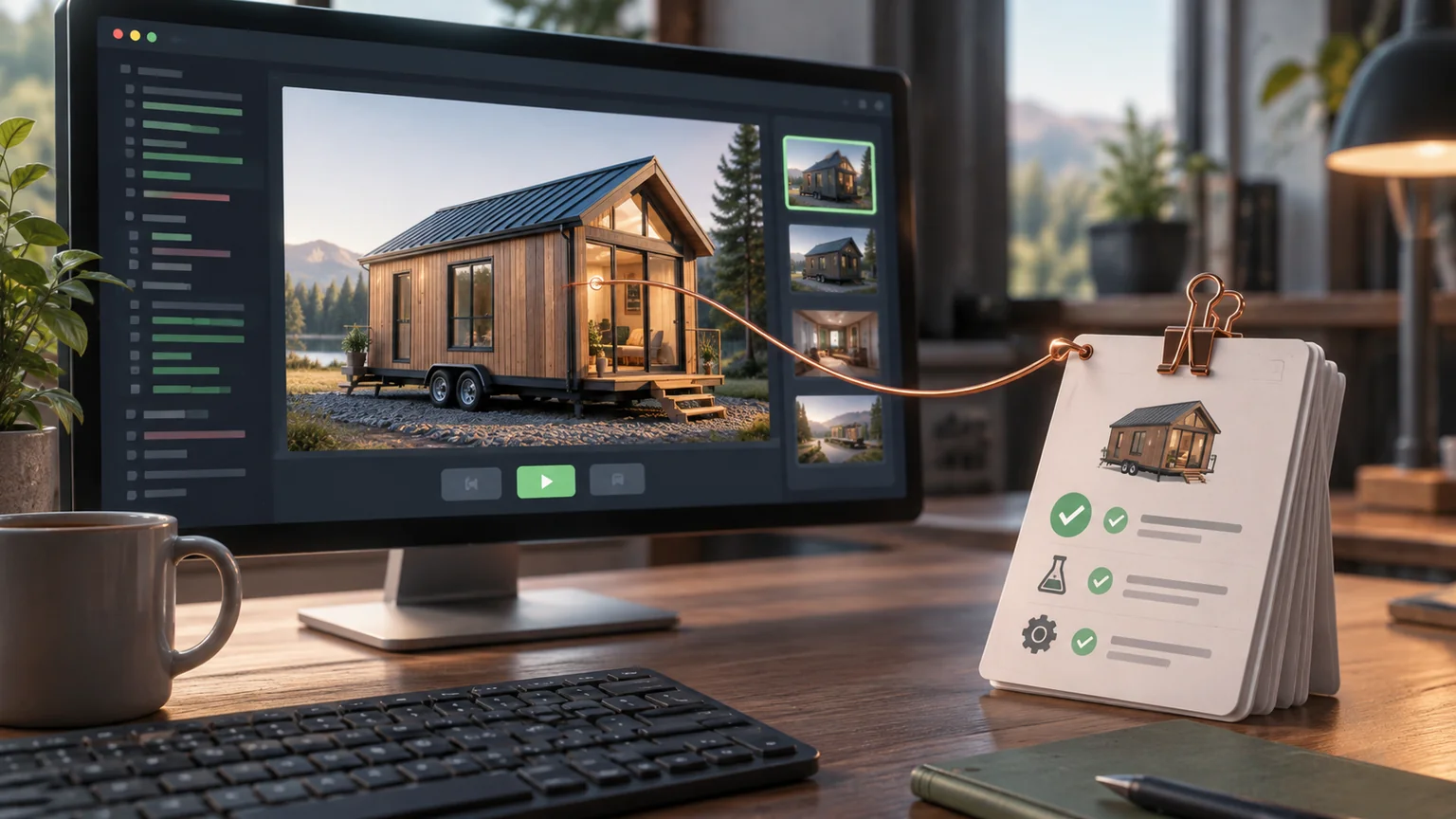
A green build can ship a blank canvas. A beautiful screenshot can hide a broken quote button. A successful deployment can serve an old asset manifest.
A release process for a 3D application needs evidence for each of these failure modes, tied to the same revision.
Keep the checks distinct
Static checks find type and syntax problems. Unit tests exercise model rules. Integration tests examine contracts. Browser tests exercise the user flow. Visual checks inspect the rendered result.
None is a universal substitute for the others.
For a building configurator, verify dimensions and placement rules independently of the renderer. Then confirm that the actual scene reflects those values and the customer can use the controls.
Capture a reproducible scene
Save model state, camera, viewport, lighting, asset versions, and application revision with each visual reference.
A screenshot of an unsettled loading state is poor evidence. Wait for application-defined readiness and confirm the intended objects and materials have loaded.
The Playwright screenshot documentation describes capture mechanics. Your application must still define what a meaningful capture contains.
Know which renderer ran
A headless browser may use a different graphics path from the target device. Software rendering can be useful for deterministic checks, but it does not establish the performance of a physical phone.
Record the environment and distinguish compatibility checks from hardware measurements. When a graphics test fails, identify whether the failure belongs to the application, browser, driver, or test environment.
Do not rerun blindly until one attempt becomes green. Preserve the failure and explain the change that made the result trustworthy.
Build assets as part of the release
Use an asset manifest with stable identities or content hashes. Validate expected dimensions, formats, and file availability before deployment.
An updated application and an incompatible cached asset can create a release that never existed in local testing. Test a returning browser as well as a clean one.
Preserve the previous compatible application-and-asset combination for rollback.
Rehearse the difficult paths
Try a failed texture request, a cancelled model load, a device loss, a stale quote, and a page restored after backgrounding. Repeat a style-switch sequence long enough to reveal retained resources.
A release should also shut down predictably and return a useful health response. A health endpoint proves that the service can answer its defined check; it does not prove that every customer journey works.
Record provenance and behavior together
The approved SLSA 1.2 provenance specification provides a vocabulary for tracing an artifact’s production. Use build provenance to identify the exact output being tested, then attach separate behavioral evidence. Knowing where a build came from does not prove its scene or checkout flow works.
A compact release packet can contain the artifact digest, source revision, asset manifest digest, runtime configuration names without secrets, and test report. Screenshots should reference a saved fixture and that same artifact identity. Rebuilding after verification creates a different candidate unless reproducibility is established.
Retain a trace for a failing transition
Playwright’s Trace Viewer can expose action history, page snapshots, and network activity. It is useful for explaining which UI action preceded a missing asset or a failed request. It does not measure physical GPU behavior or reveal the contents of a graphics buffer.
Create a test fixture that loads a design, changes style, saves, reloads, and confirms the saved revision. On failure, retain the trace, relevant application events, and a screenshot. Record whether the run used hardware or software rendering.
Add one interrupted transition: delay an asset response, change the configuration again, then release the delayed response. The old asset must not overwrite the newer scene. For a consequential release, repeat the critical interaction on representative physical hardware and record that separately from CI. This produces evidence for the asynchronous path people actually use, without pretending that one successful screenshot covers the entire renderer.
Verify the destination
After deployment, open the public route, inspect its revision and assets, and complete the critical flow in the deployed environment.
Keep the final evidence attached to the deployed revision. A test report from an earlier branch is supporting history, not current proof.
The goal is a short, coherent answer to a reviewer: what changed, what was checked, what ran, and what remains uncertain. That is more useful than a long list of tools that happened to be installed.
Keep a good idea close.
Follow Signal Tower