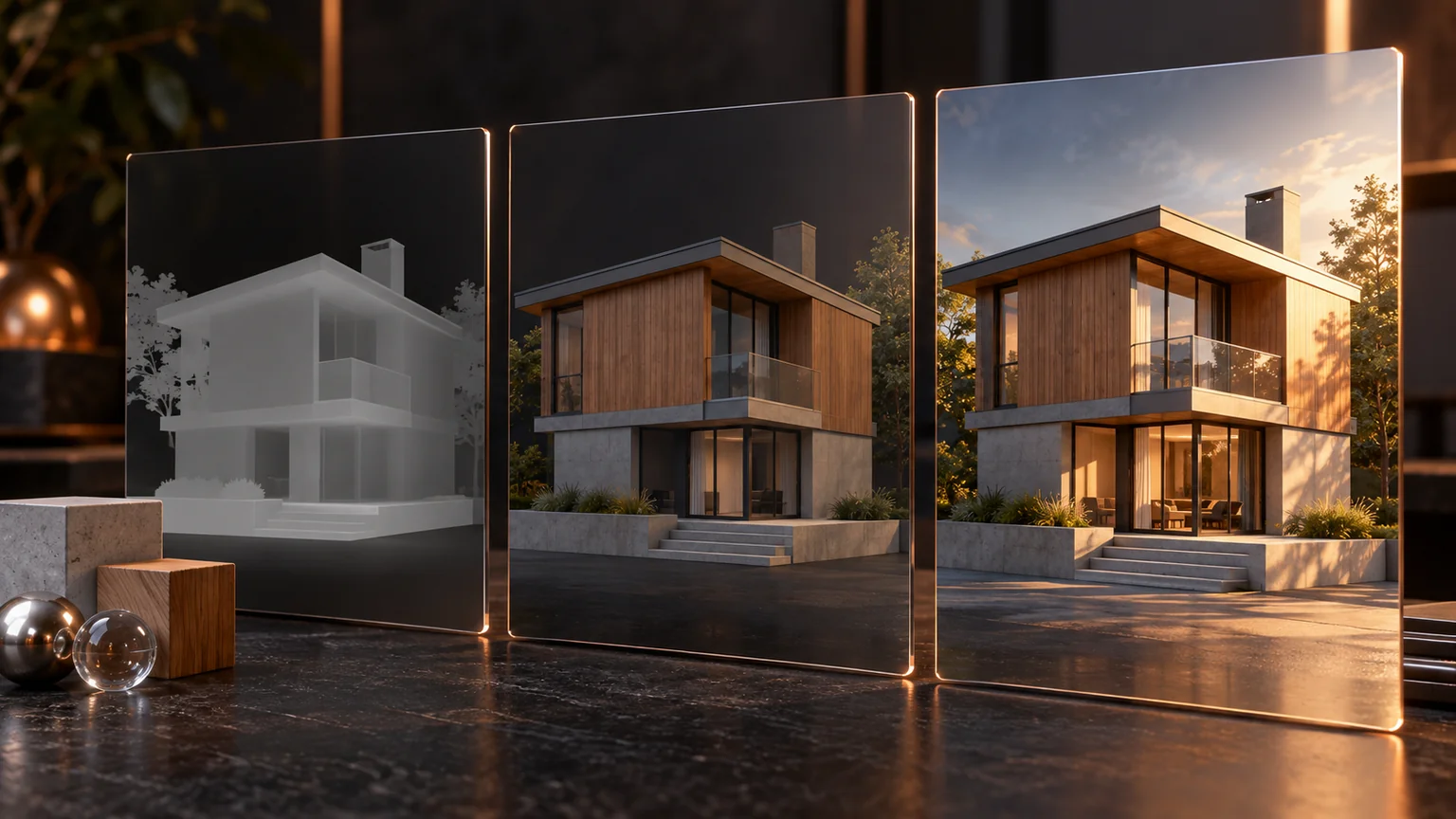
A shadow helps the viewer understand where an object sits and how its parts relate. It can also shimmer, detach from a surface, hide a detail, or consume more of the frame than the object it describes.
The useful question is not how many shadow techniques a renderer includes. It is which visual problem each technique solves.
Establish contact first
Start with a simple light and a stable view. Look at the building’s contact with the ground, the eave overhang, window trim, and porch posts.
If the object appears to float, inspect scale, bias, geometry, and the receiving surface before adding another effect. Screen-space darkening can disguise a missing contact shadow without fixing it.
A small known test scene helps separate a lighting bug from a complicated model.
Fit the shadow volume
Shadow-map resolution is spread across a region. A large region with a small map can waste detail far from the object the user is inspecting.
Fit the relevant bounds and test camera movement. Cascades can allocate different regions for large views, but transitions, stabilization, and extra passes need attention.
The original draft treated several advanced methods as an obligatory stack. In practice, a compact product scene may need a much simpler solution than a large outdoor world.
Understand softness
A shadow’s appearance depends on the light’s extent and the relationship between light, occluder, and receiver. Filter settings are approximations of that behavior.
Increasing blur everywhere can make a building feel ungrounded. Excessively hard shadows can obscure the intended material under a harsh visual pattern.
Compare contact regions and more distant shadow edges separately. Do not use a single attractive still as proof of correctness across the whole view.
Watch the moving image
Temporal methods can improve stability or sampling quality, but they can also introduce ghosting. Test moving features, camera pans, disocclusion, and abrupt configuration changes.
Check that history is invalidated when the scene changes in a way the method cannot safely reuse. A stale shadow of a deleted object is particularly confusing in a configurator.
The Three.js post-processing guide describes its current node-based approach. Integration details depend on the renderer version and effects in use.
Keep shadow updates tied to scene changes
Three.js documents the cost of rendering shadow-casting objects from a light’s viewpoint. A point light can require multiple directions, so adding one shadowed light may add much more work than adding one ordinary draw. Three.js shadow guide.
For a mostly static configurator, maintain a shadow-dirty decision alongside the configuration revision. Moving a door, changing an overhang, or moving the sun invalidates the relevant shadow. A text-field focus change does not. Reuse is appropriate only while the casting geometry, light, receiver assumptions, and technique remain compatible.
Test a moving object that enters and leaves the shadow region, then delete it. The final frame must not retain its shadow. Test the same sequence with a low quality tier; simplified rendering should preserve contact and the location of important openings.
Compare temporal effects in motion
The current WebGPU post-processing guide shows temporal antialiasing consuming color, depth, and velocity data. A temporal effect therefore has input and history requirements beyond a single beauty image. Three.js MRT and temporal antialiasing.
My recommended fixture alternates a slow orbit, a fast camera jump, a geometry edit, and a pause. Inspect the first frame after each discontinuity and several settling frames. Record ghosting, shimmer, contact separation, and the cost of the extra attachments independently.
Use the simplest shadow path as a visual control. If an advanced combination looks better only in a frozen frame but leaves trails when a customer changes the design, it has not improved the interaction that matters.
Budget the whole lighting system
Environment lighting, direct lights, ambient occlusion, reflections, tone mapping, and shadows interact. Adding them independently can produce excess contrast or duplicated darkening.
Measure each major effect in a representative scene. Keep a simpler quality level that preserves shape and material readability on constrained devices.
Use the same model, camera, exposure, and asset set when comparing a candidate. Otherwise, a supposed shadow improvement may actually come from a changed environment.
Good shadows give the viewer information with little distraction. The strongest result is often the one whose technique the user never notices.
Keep a good idea close.
Follow Signal Tower