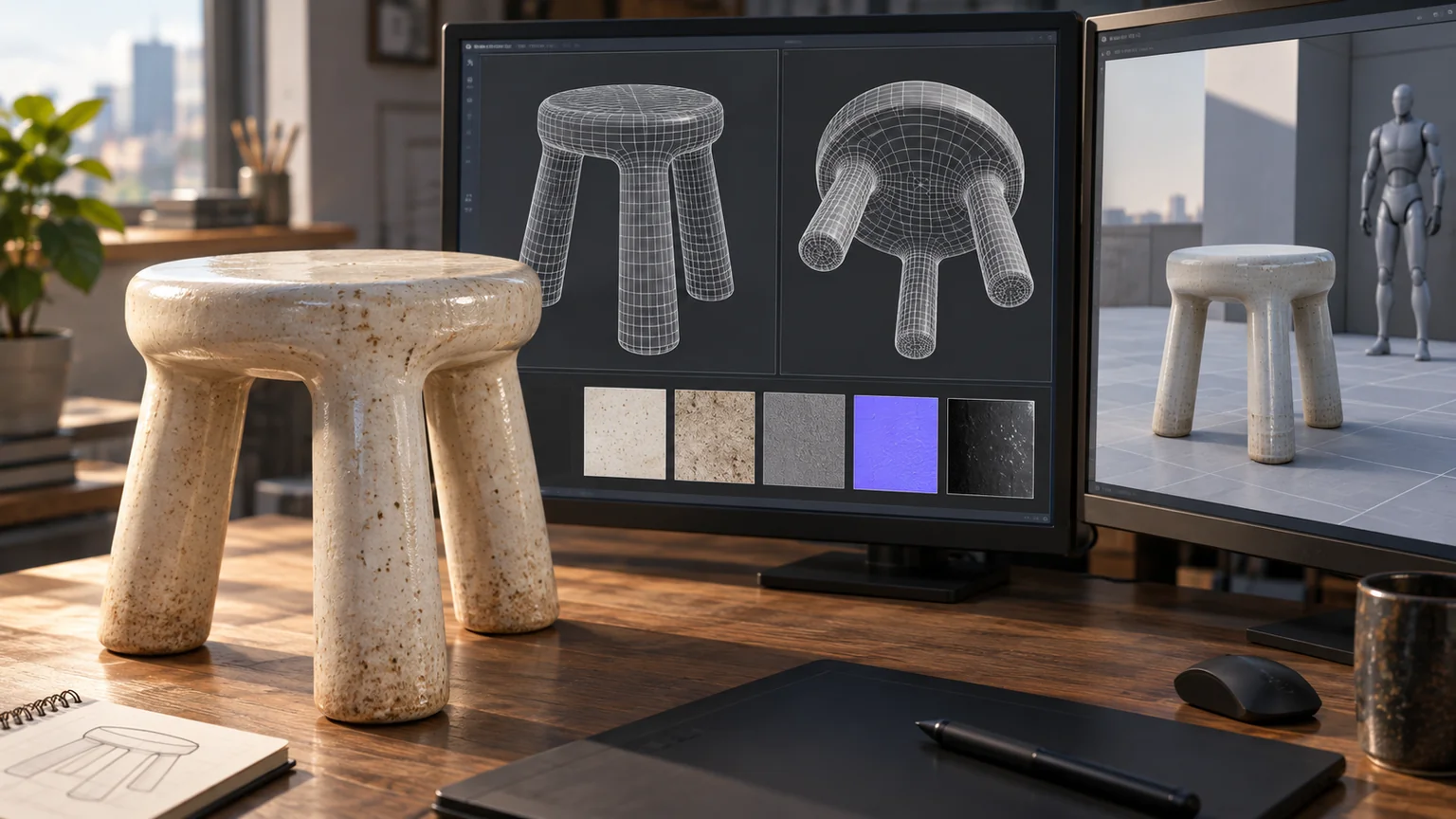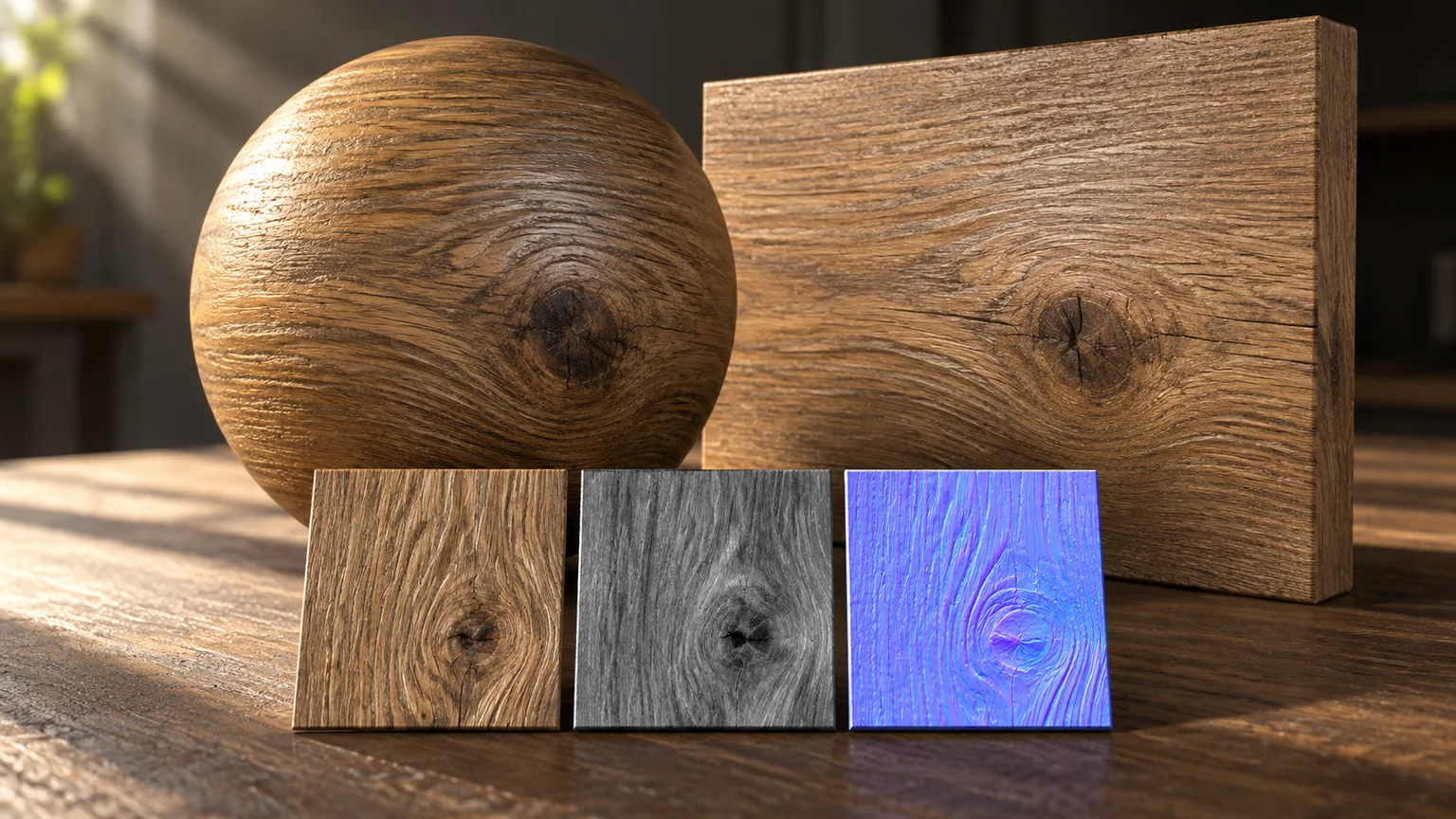
A convincing wood material is a set of related signals. Its color, surface orientation, roughness, and larger relief must describe the same surface.
Generating each map independently can produce an attractive collection of images that disagree when combined. A dark knot in the color map might become a raised patch in the normal map or a polished spot in roughness without any material reason.
Begin with a material brief
Record the intended material, finish, approximate physical scale, grain direction, and viewing distance. Distinguish a generic cedar surface from a specific manufacturer’s product.
For a commercial product, keep a real sample or approved reference available. An AI-generated texture should not be described as an exact color match or measured physical reproduction.
The brief should also say where the material will appear. A wall, trim board, and end-grain cut require different coordinate and scale decisions.
Remove the wrong kind of light
A photograph contains lighting as well as surface color. Strong baked highlights and shadows can conflict with the runtime lighting when used as base color.
Use capture or authoring methods suited to separating surface properties, and inspect the result under more than one light direction. AI assistance can propose a cleaner texture, but the output still needs comparison.
Do not infer reliable physical roughness or reflectance values from a single ordinary photograph and present them as measurements.
Keep the maps coherent
Check that surface features line up across channels. Confirm the normal-map convention expected by the renderer. Treat color data and non-color data according to the material pipeline’s documented rules.
The glTF material specification is a useful reference for one common interchange contract. A custom renderer may use different conventions, which need to be explicit.
Channel packing can reduce texture count, but only when every producer and consumer agrees on the assignment.
Make the interchange rules executable
For the glTF metallic-roughness workflow, base-color and emissive textures carry sRGB color data, while metallic-roughness, normal, and occlusion data are interpreted linearly. Roughness occupies the green channel and metallic the blue channel of the combined texture. Preserve those meanings through baking and export. glTF 2.0 material contract.
A useful fixture contains a nonmetal surface, a metal patch, a known normal direction, and a roughness gradient. Export it through the same process as production materials. A changed highlight, inverted groove, or unexpectedly shiny painted patch gives you a specific failure to trace before inspecting a whole building.
Keep the source-to-output channel mapping in machine-readable metadata. When a packing script changes, regenerate this fixture before regenerating the library. Do not use a color-space toggle to compensate for incorrectly packed data.
Evaluate generated PBR as a related set of channels
Microsoft’s O-Voxel implementation stores aligned surface attributes including base color, metallic, roughness, and opacity, and supports conversion to textured meshes. That is a useful development for generating coherent assets, but the values remain generated estimates. TRELLIS.2 O-Voxel documentation.
For a material candidate, rotate one neutral light while holding exposure fixed. Inspect the same feature in the color, normal, roughness, and final shaded views. Then compare a close crop and a normal reading distance. Record whether a repair changed appearance only or required changing a physical-scale assumption.
My acceptance rule is that the material must survive this relighting test and a round trip through the actual export pipeline. A generator’s preview is useful for selection; the exported maps and their interpretation determine the delivered result.
Test scale and repetition
Place the material on the actual object, not only a preview sphere. Check grain direction on each board and the scale of visible features relative to known dimensions.
Inspect a large uninterrupted wall for repeating knots or stains. A seamless image can still have obvious repetition.
Use variation sparingly and deliberately. The goal is a believable manufactured or natural surface, not random noise everywhere.
Compare under controlled lighting
Keep a small reference scene with a neutral environment, a directional light, and a moving camera. Compare broad color, highlight shape, and grazing-angle behavior.
Then check the production environment. A material that works in a bright studio may become unreadable in shade.
Record the source, generation prompt if applicable, transformations, encoding, and final asset hash. That provenance makes a later correction possible.
A material is ready when its channels agree, its scale makes sense, and it behaves consistently in the intended view. The generation step is only part of that work.
Keep a good idea close.
Follow Signal Tower