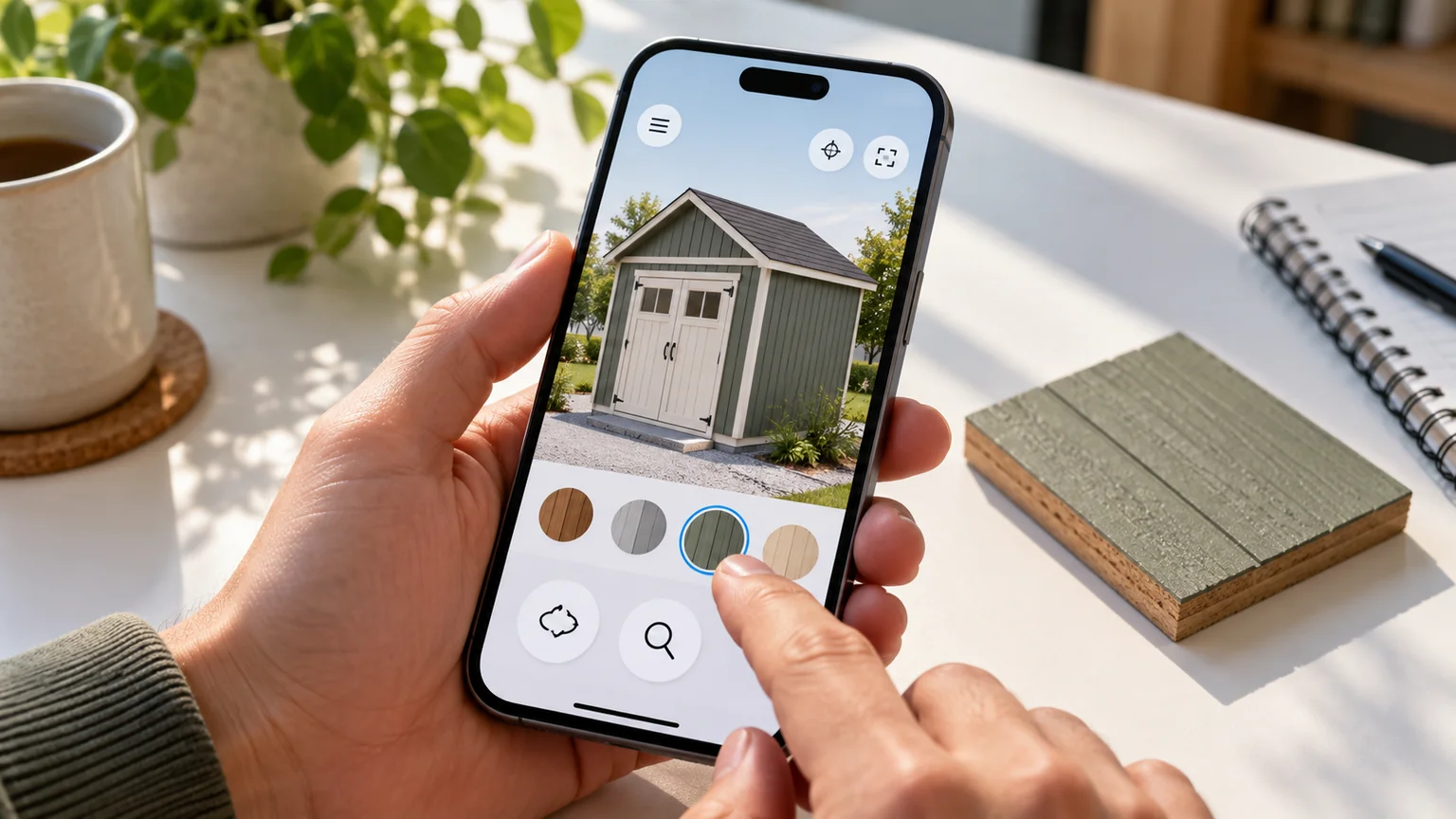
A desktop scene can fit on a phone screen and still be a poor mobile experience. The user may face small controls, heavy textures, long pauses, and a canvas that captures every attempt to scroll.
Mobile quality needs its own design brief. Start with the task the person should complete and the least expensive image that communicates it well.
Budget pixels before polishing shaders
Rendering resolution grows in two dimensions. Doubling pixel ratio multiplies the render-target pixel count by four at the same CSS size.
That arithmetic does not guarantee a fourfold performance change; a scene may be limited by geometry, CPU work, or other costs. It does explain why rendering every device pixel can be an expensive default.
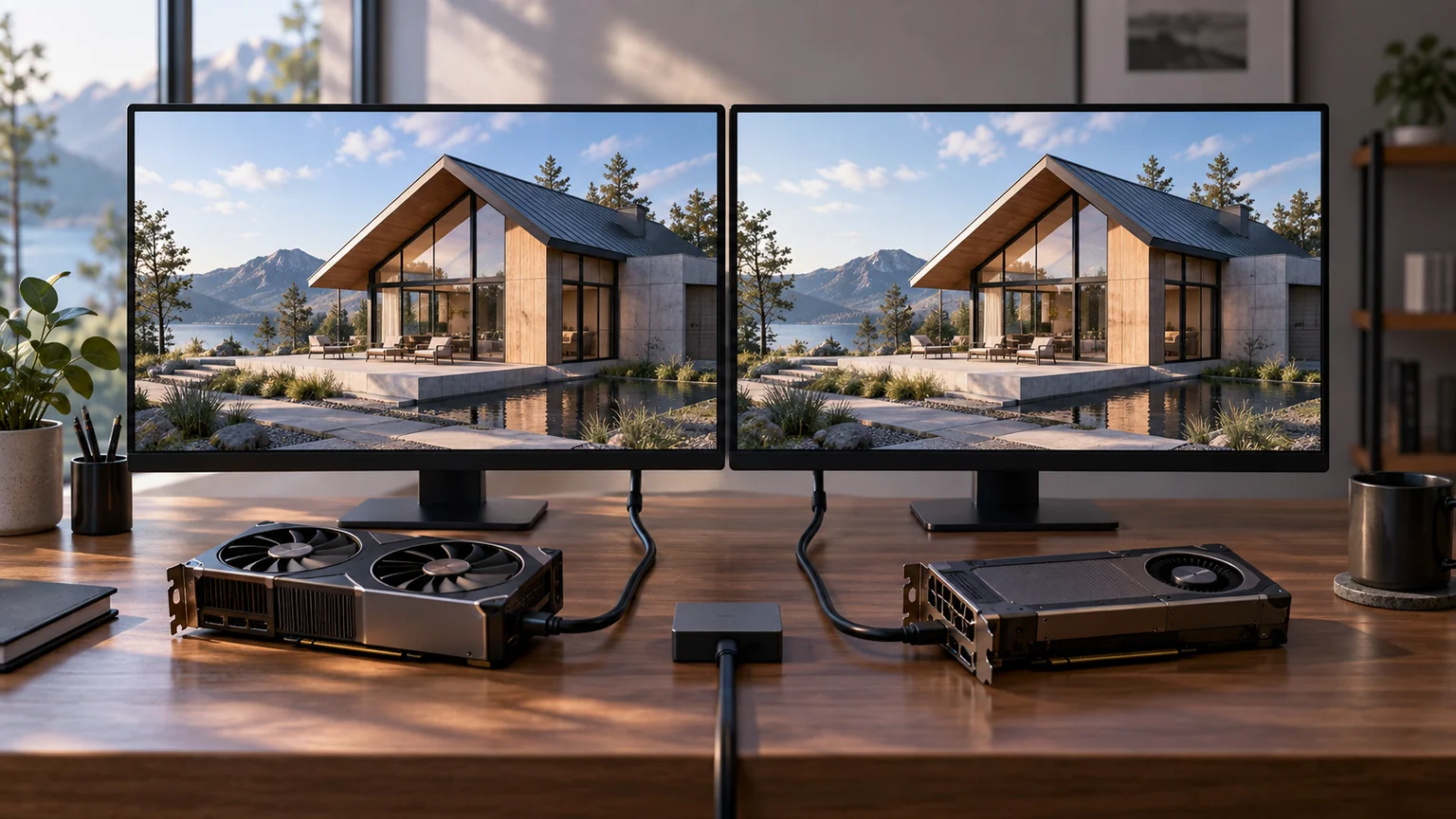
Compare a few capped resolutions on actual screens. Look at fine edges, small labels, and the close views that matter to the product. Keep labels in accessible HTML where possible.
Establish a useful baseline
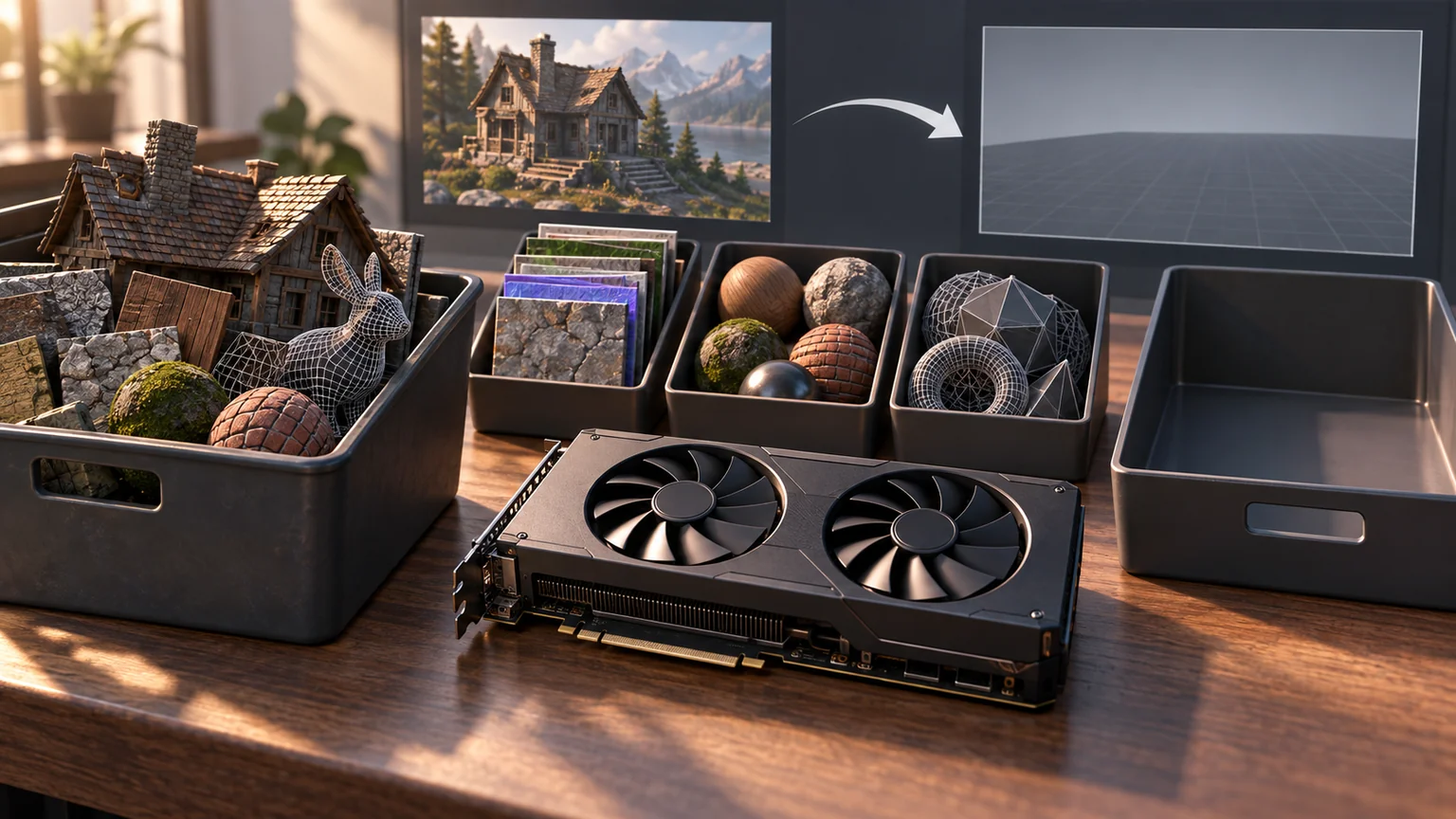
Begin with the essential model, a clear camera, a simple light setup, and modest assets. Make sure the user can inspect the object and complete the task.
Add quality in measured steps: better texture detail, improved shadows, richer reflections, or vegetation. Record which step changes frame behavior and which actually improves the user’s understanding.
A distant tree should not consume the resources needed to inspect the customer’s door placement.
Adapt without oscillating
A quality controller needs a stable observation window and a reason to change. One slow frame during loading should not permanently demote the experience. One fast frame should not immediately restore the most expensive mode.
Use hysteresis: different conditions for reducing and raising quality, with a period to observe the effect. Keep the user’s explicit preference in view if the product exposes a quality setting.
Avoid presenting arbitrary device-model budgets as guarantees. Capabilities and measured behavior are more useful than a marketing name.
Stop spending frames when nothing changes
React Three Fiber supports frameloop="demand", with invalidate() scheduling a frame when imperative changes would otherwise be invisible to React. Invalidation requests a render; it is not an immediate synchronous render. The project’s performance guide.
A static product inspection is a good candidate. Render during orbiting, animation, loading transitions, or a configuration change, then return to idle. A simulation with continuous motion needs its own stepping policy. Do not disable rendering and accidentally stop a timer that owns physical state or unsaved work.
Verify the idle path by leaving the page untouched, changing one material, and resuming touch input. The next interaction must not jump because a large elapsed interval was applied to an animation. Record idle resource use separately from active frame-time distributions.
Treat hardware hints as optional inputs
Chrome 152 adds a CPU Performance API whose reported tier can be overridden by users or administrators. It is a hint about CPU performance, not a declaration of available GPU memory or thermal headroom. Chrome 152 performance changes.
Use such a hint, where supported, to choose an initial conservative tier. Then observe the actual task. Keep quality selection functional when the hint is absent. My suggested controller reduces one expensive feature at a time, waits through a defined observation window, and records the reason for every change.
Test sustained use while recording viewport, pixel ratio, active quality tier, frame-time percentiles, and visible stalls. Repeat after backgrounding. The result should explain whether reducing pixels, shadows, assets, or CPU work helped; the device’s model name alone cannot answer that question.
Make touch intent clear
A finger on the canvas might mean select, orbit, drag, or scroll the page. Define those interactions deliberately.
Consider an explicit placement mode for moving features. Keep targets large enough to use comfortably, provide a visible selected state, and offer buttons or fields for precise adjustments.
Test a normal page scroll that begins over the model. A beautiful scene is frustrating if the user feels trapped inside it.
Measure the long session
A first-load benchmark misses repeated asset changes, backgrounding, return visits, and sustained use.
Use a repeatable sequence and record frame-time distribution rather than only average FPS. Include the first useful interaction, visible pauses, failed loads, and state recovery.
Browser performance tools help inspect the main thread; GPU timing and renderer diagnostics answer different questions. State what each measurement actually observes.
The MDN Performance API reference explains the browser timing interfaces. A custom measurement still needs a clearly defined start and finish.
Preserve the important work
When the scene struggles, reducing decoration is better than losing the configuration. Save durable choices independently of graphics resources and make recovery understandable.
A mobile release is ready when the user can complete the intended task on the tested devices, with acceptable visual quality and a clear response to failure. The most convincing evidence is a repeatable interaction, not a universal triangle count.
Keep a good idea close.
Follow Signal Tower